September 2026 — Clearer organization navigation
Navigation clearly separates the organization from the project. Find the right planning period and manage school-wide details independently of the open project.
Improved
Section titled “Improved”- The sidebar shows the names of the current organization and open project.
- The project selector lists projects in the same organization; All projects opens their overview.
- General groups the organization name and logo, while Members contains the team and invitations.
- The account menu offers organization switching and Organization settings, which are also accessible without an open project.
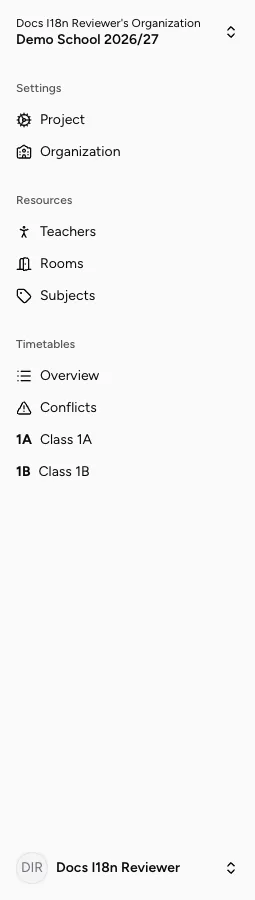
Switch organizations and projects · Manage the team and roles