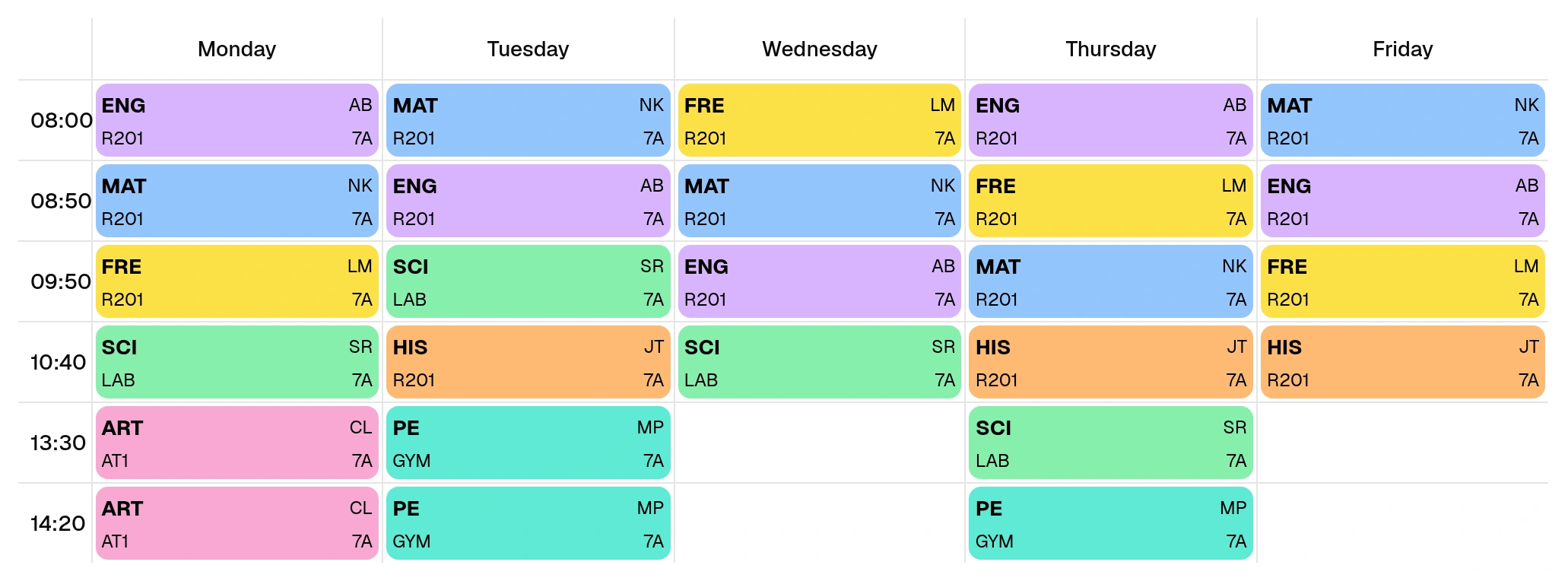
November 2026 — Optional subject colors
Optional subject colors make lessons easier to distinguish in the weekly grid and PDF exports. You choose the color for each subject.
- When creating or editing a subject, choose from 16 light colors or No color.
- The selected subject color appears on lesson cards and in PDF exports.
- Reimporting a subject from Excel with the same alias keeps its color.
- Project clones include the colors when Subjects is selected.